Your equipment. Today’s setup.
Keep reusable trucks and trailers in their own libraries. My truck brings the active road setup into view, with the equipment, load and measurements you’re about to plan with.
Follow the setup guide
Australian owner-driver pilot
Truck, trailers and today’s load.
Route planning built around the owner-driver.
Before you put your hand up
Expressions of interest are open. Places and driving availability are not yet confirmed.
01 / Your setup
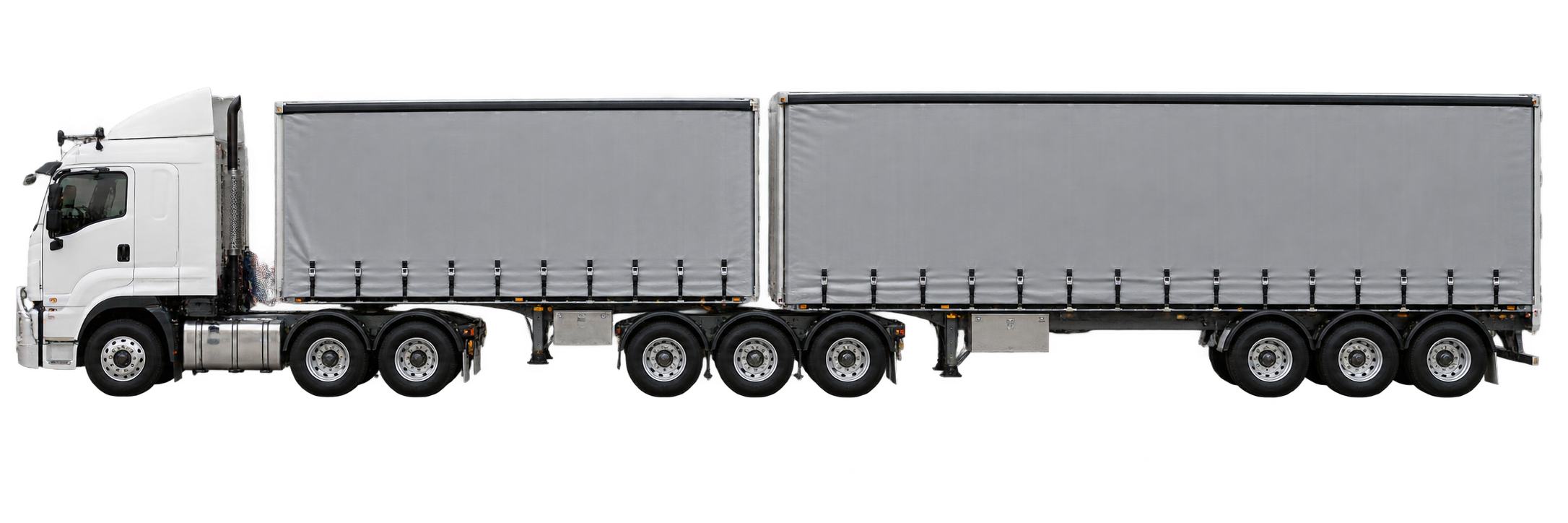
From a concrete truck to a B-double or road train. Start with the equipment, connect the units, then review the load you’re taking out.
Configuration is how it connects.
Bodywork is the job it does.
Equipment setup and route-check inputs are supported in development. Availability for your region and invited build is confirmed separately. Check the current scope.
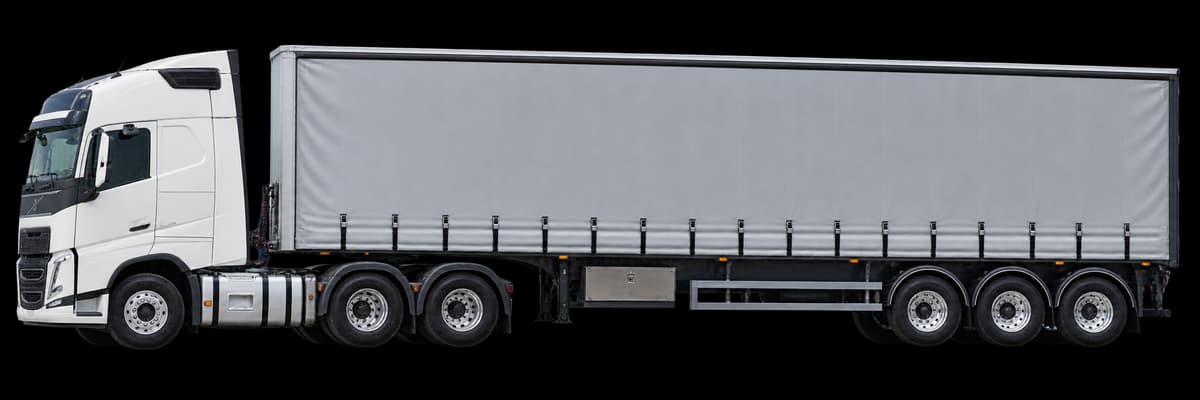
Save the truck and each trailer as separate equipment. A road setup brings them together in order, with today’s load and complete measurements.
Front to rear
Record bodywork where fitted: concrete, livestock, vehicle transport, curtain sider and more. A converter dolly has no freight body.
Reference illustrations. Use your actual equipment details. This guide does not check a route or confirm access.
Follow the setup guide02 / Inside HeavyRoutes
From the equipment in My truck to today’s load and a saved run. Practical tools for the person doing the driving.
Keep reusable trucks and trailers in their own libraries. My truck brings the active road setup into view, with the equipment, load and measurements you’re about to plan with.
Follow the setup guideChoose the road configuration, then add each trailer and dolly from front to rear. Reuse saved equipment or enter a new unit. Bodywork, measurements and rear couplings stay with the unit they describe.
Explore configurations and connectionsAdd today’s load, then confirm the complete height, width, coupled length and operating mass. Review the assembled setup and choose Save & use setup so the next route check uses those details.
Read the measurement guideGive a saved journey a name, pin the ones you use and choose Plan again. Check today’s active truck setup before returning to planning for a fresh route check.
Why a repeat run needs a checkIllustrated guides explain the whole setup, trailer bodies and connections. Search the in-app help, troubleshoot a problem or follow a support conversation in My requests.
Find help and contact usThen, review before you drive.
Read the route information and check what needs attention. New checks and rerouting need a connection.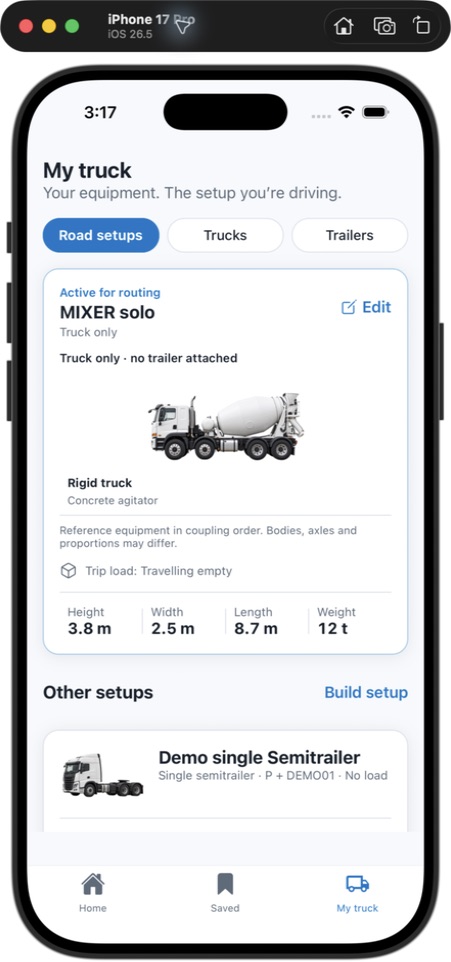
Actual development app · Synthetic account
Pilot screens may change.
Being shaped with owner-drivers.
Guidance and coverage are being validated for the pilot.
Read the pilot scope03 / Field notes
Road setups
Your setup
Saved runs
On the road
The best feedback
comes from the cab.
Your experience belongs here
Drive your own truck? Tell us about your setup, where you run and what gets in the way. Help shape HeavyRoutes around the work you actually do.
Put your hand up Owner-driver pilot · Expressions of interest